IB Studio CRM
IB Studio CRM is an application I developed to manage my own client prospecting and acquisition process. It came from a real need: centralizing the businesses I discover, recording contacts, following up with each lead, and quickly understanding where every opportunity stands.
Instead of spreading this process across spreadsheets, notes, and different tools, I decided to build a CRM tailored specifically to how I work.
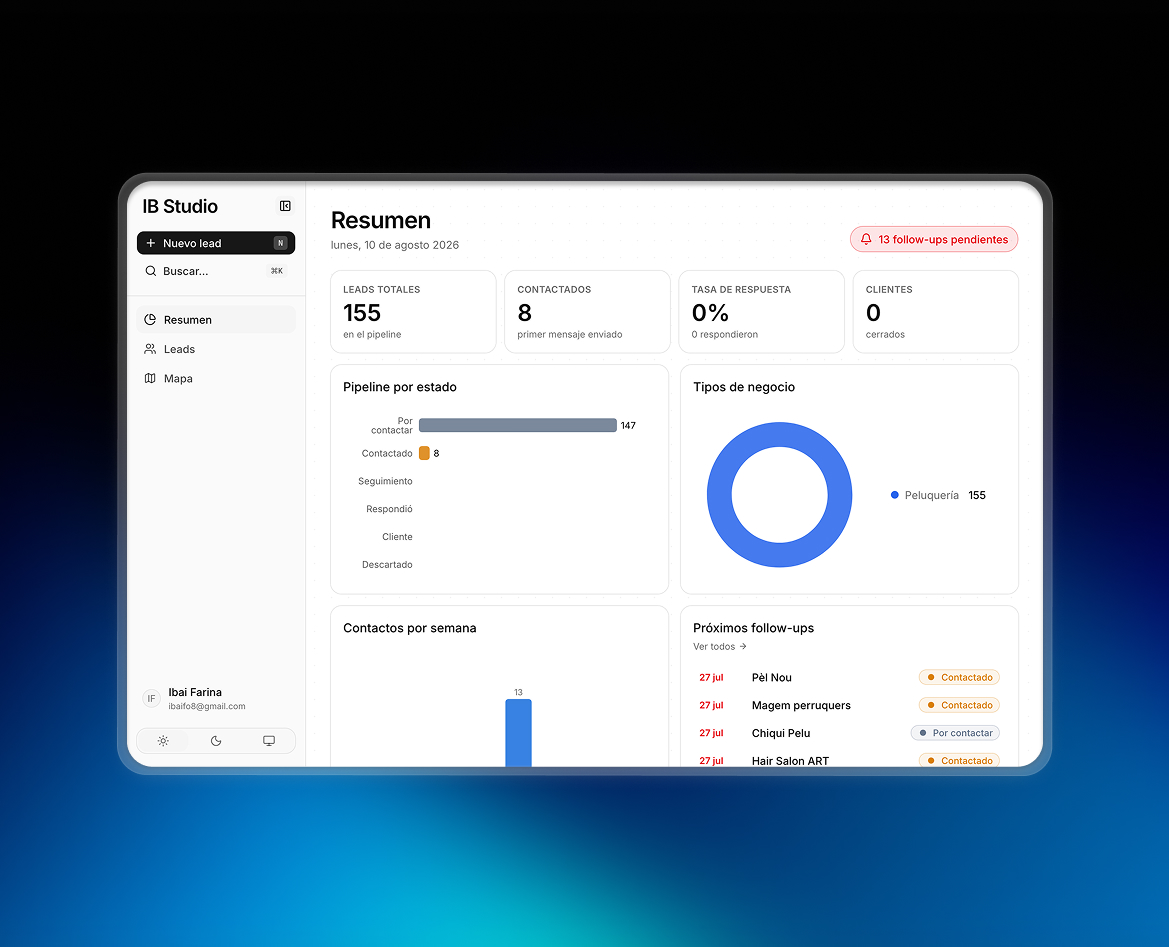
Dashboard and sales tracking
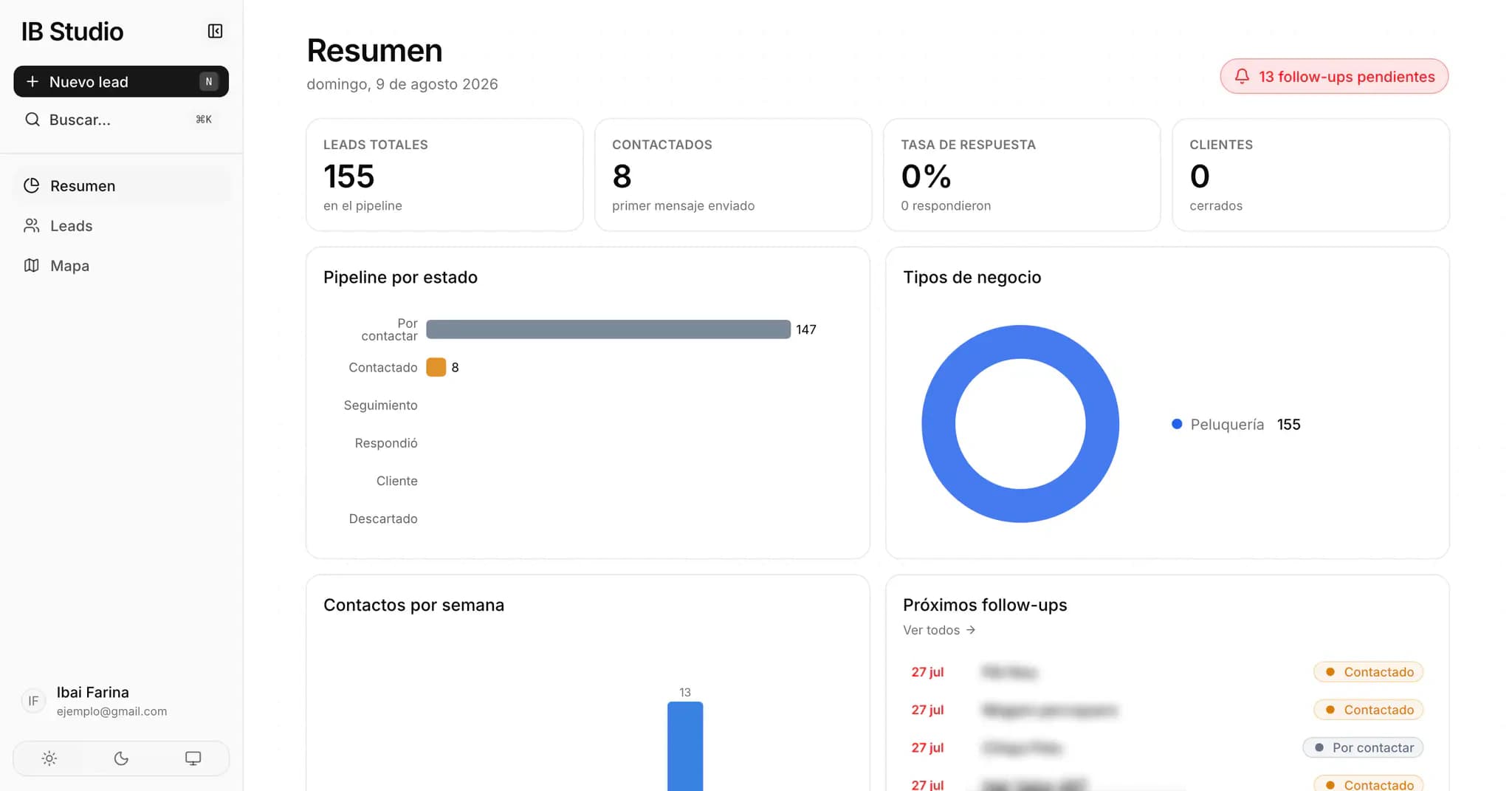
The application includes a dashboard that summarizes the state of prospecting, showing KPIs, lead distribution across the pipeline, recent activity, and upcoming follow-ups.
This gives me a quick view of how many businesses I am working with, which ones need attention, and how my sales activity is progressing without reviewing every lead individually.
Lead management
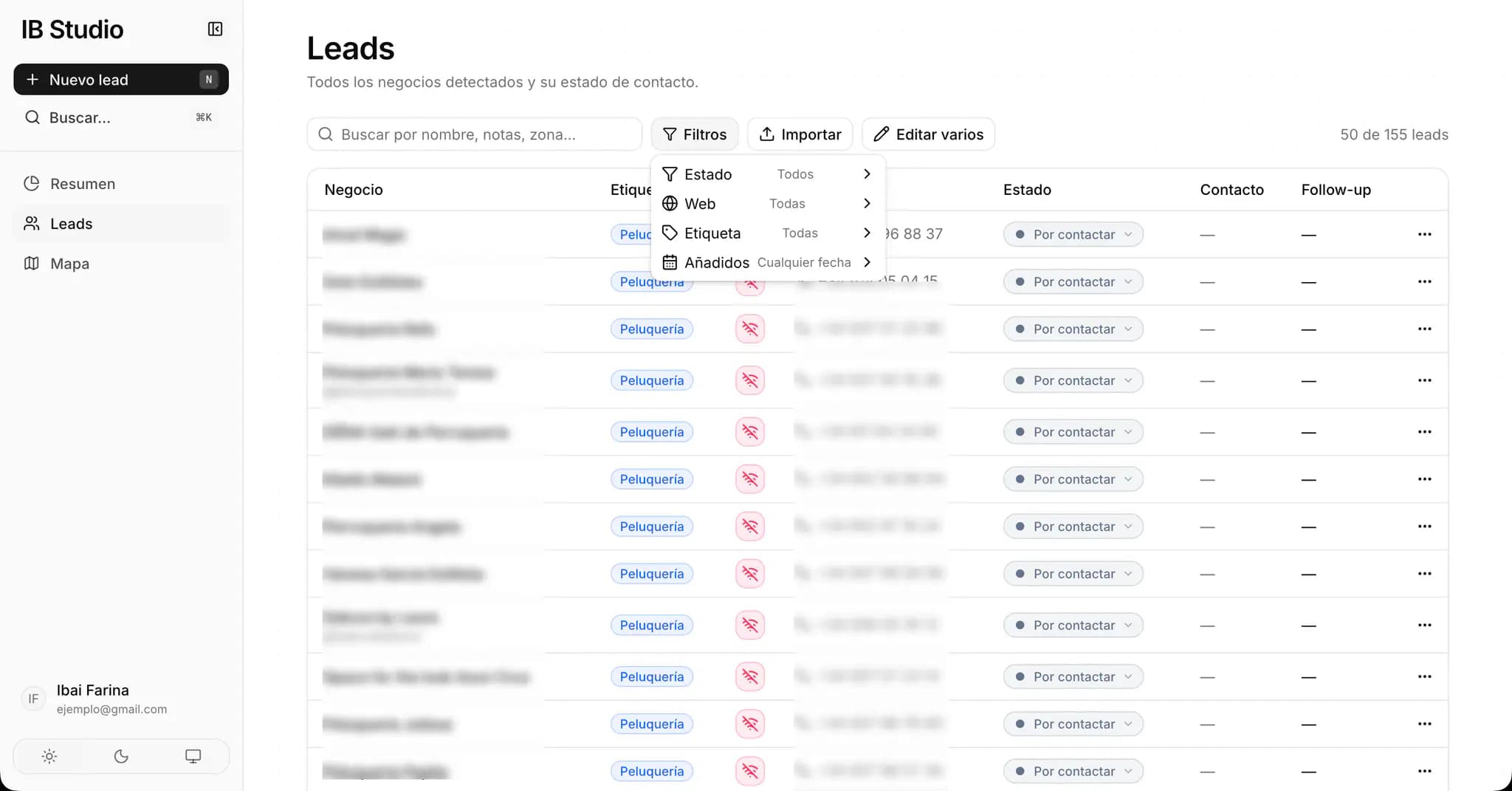
At the heart of the CRM is a database of businesses and potential clients.
I developed a table where I can quickly search, filter, and edit leads, update their status in the acquisition process, and store the information needed to continue the conversation later.
I also added specific statuses related to each business's web presence, which is especially useful when using the CRM to prospect for web development clients.
Business map
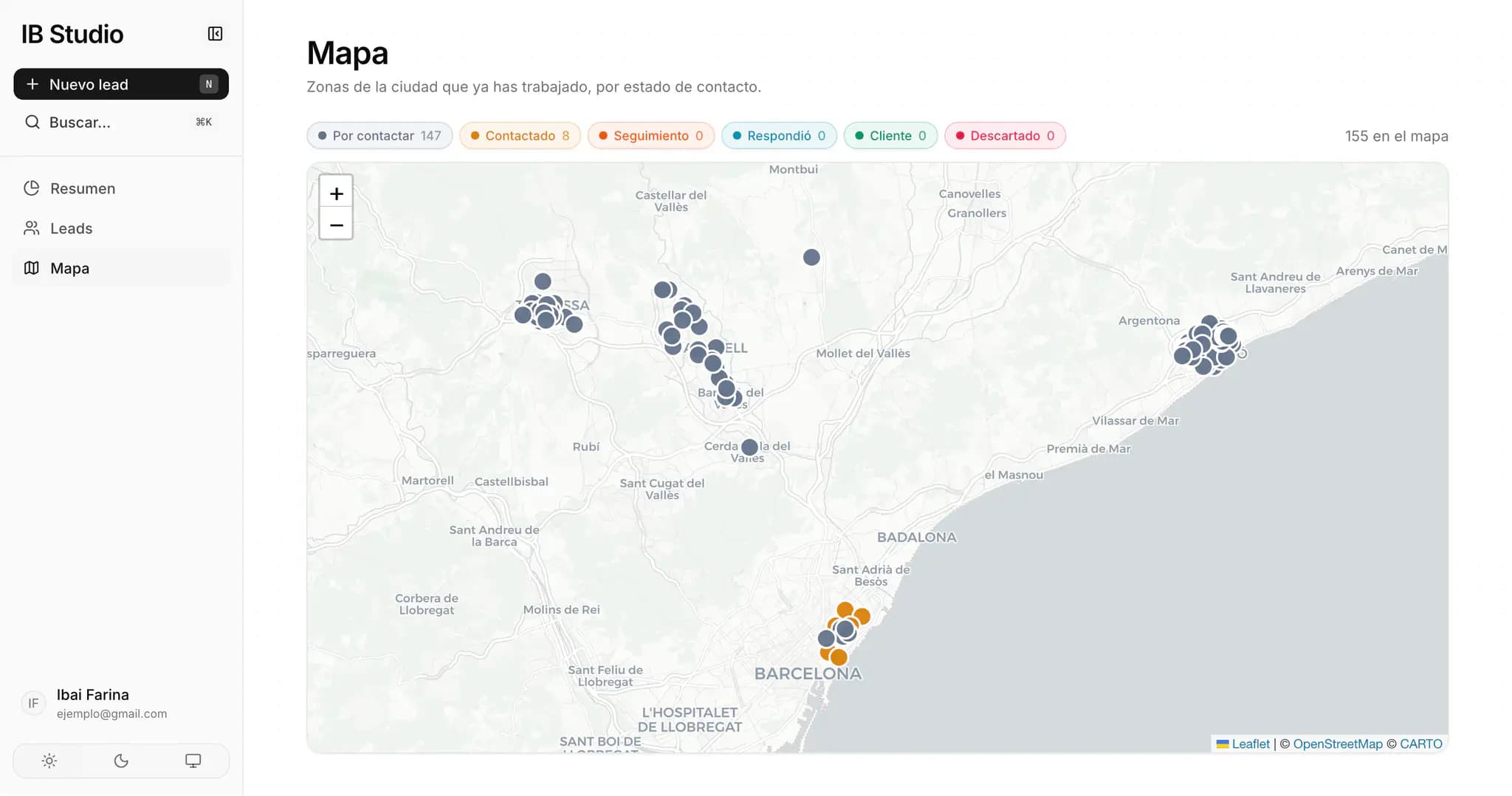
Alongside the traditional table view, I implemented an interactive geographic visualization of leads.
Businesses are displayed on the map and visually differentiated by their status in the sales process, making it easier to understand where leads are located and organize prospecting by area.
For this feature, I used Leaflet and React Leaflet, together with Nominatim and OpenStreetMap for location geocoding.
Organization and productivity
I also added features designed to make daily work faster, including custom tags for classifying leads and quick actions for adding new businesses.
The application includes a command interface accessible through shortcuts such as ⌘K, allowing actions to be completed without constantly relying on traditional navigation.
Full-stack development
On the technical side, I built the CRM with Next.js 16, React 19, and TypeScript, using the Next.js App Router. For the interface, I worked with Tailwind CSS and shadcn/ui, creating a productivity application that feels closer to a SaaS tool than a conventional website.
I used Recharts for data visualization, while Leaflet handles the geographic functionality. I also incorporated dedicated libraries for dates, commands, notifications, and other interactive interface components.
Database, authentication, and security
The application uses Supabase as its backend, combining PostgreSQL for data persistence with its authentication system.
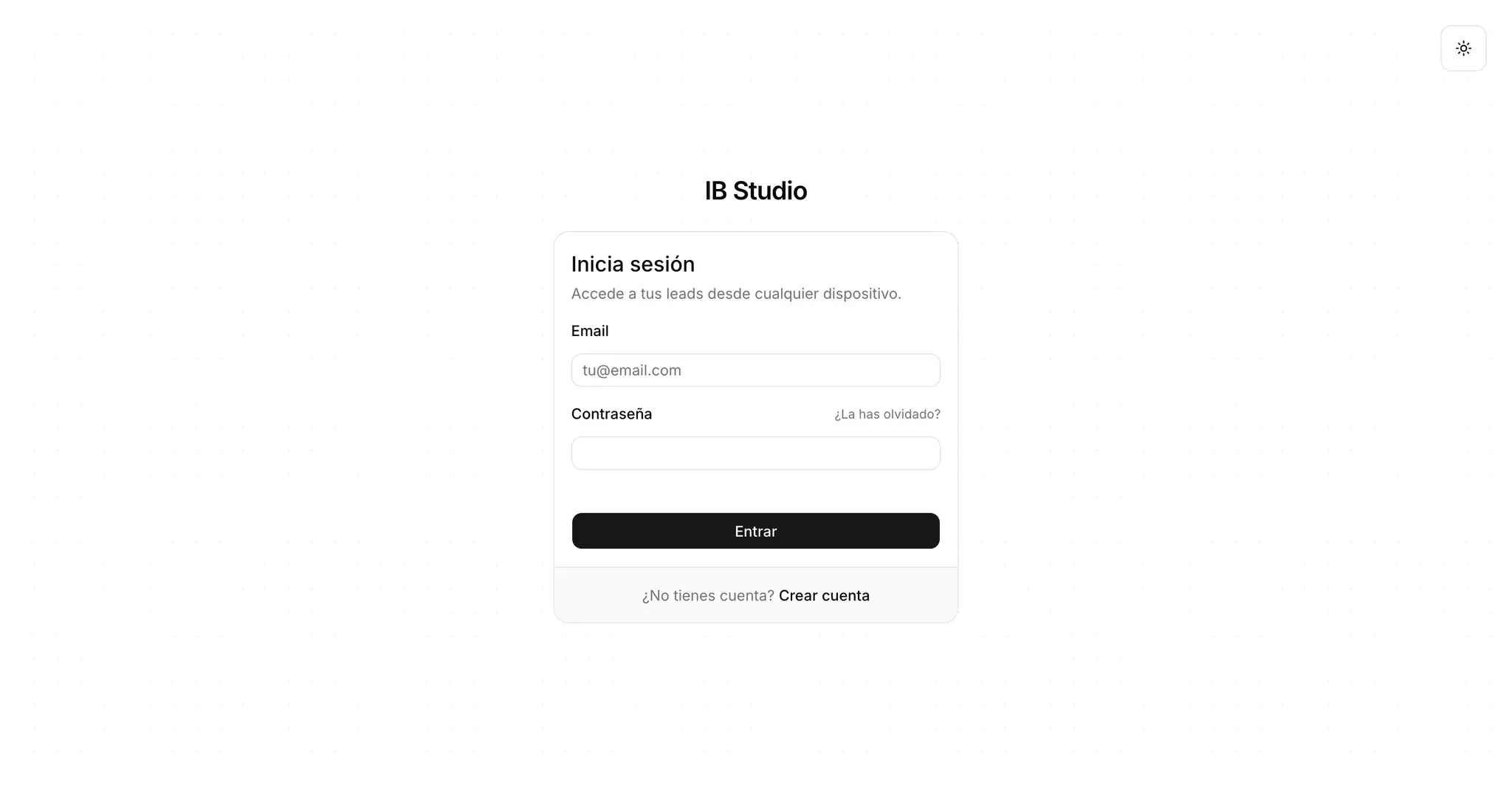
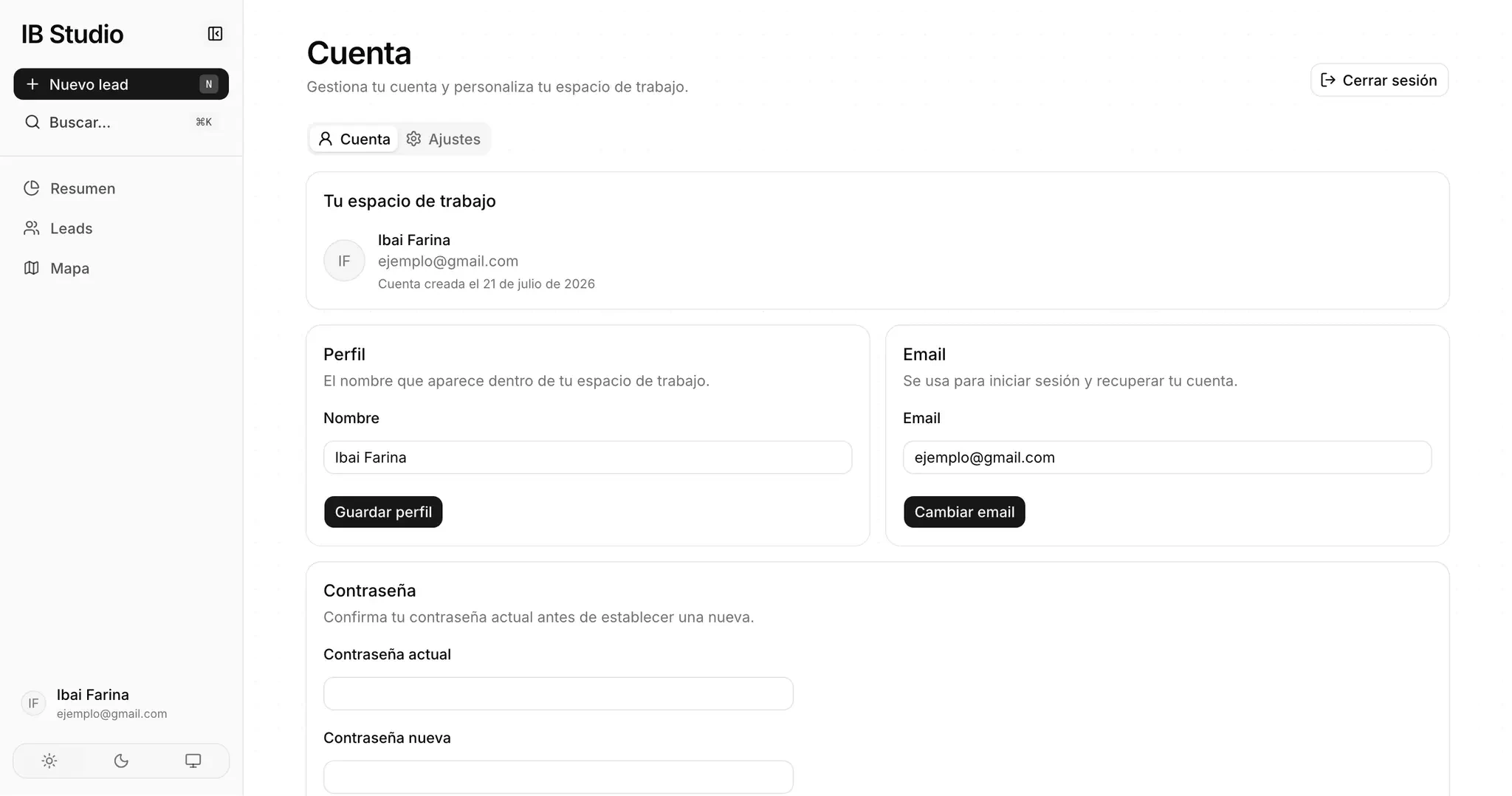
I implemented registration, login, password recovery, and account management. Data is isolated using Row-Level Security (RLS) so each user can only access their own leads, tags, and associated data.
The authentication process also integrates Cloudflare Turnstile to protect registration and platform access from bots and abuse.
Login and registration page
Account management
Result
This project began as a tool to solve a real need in my own client acquisition process and grew into a complete full-stack application.
It gave me the opportunity to work on a product with authentication, a relational database, per-user security, data visualization, interactive maps, search, filters, and state management, while designing the interface around a real workflow.
It is one of the projects that best represents my interest in building useful tools and complete digital products, rather than visual interfaces alone.